
If you’re just starting out with electronics, there are a lot of useful websites that can make learning, designing, and building projects much easier.
In this article, we’ll look at some of the most useful ones that every electronics beginner should know.
List of websites
1. Falstad
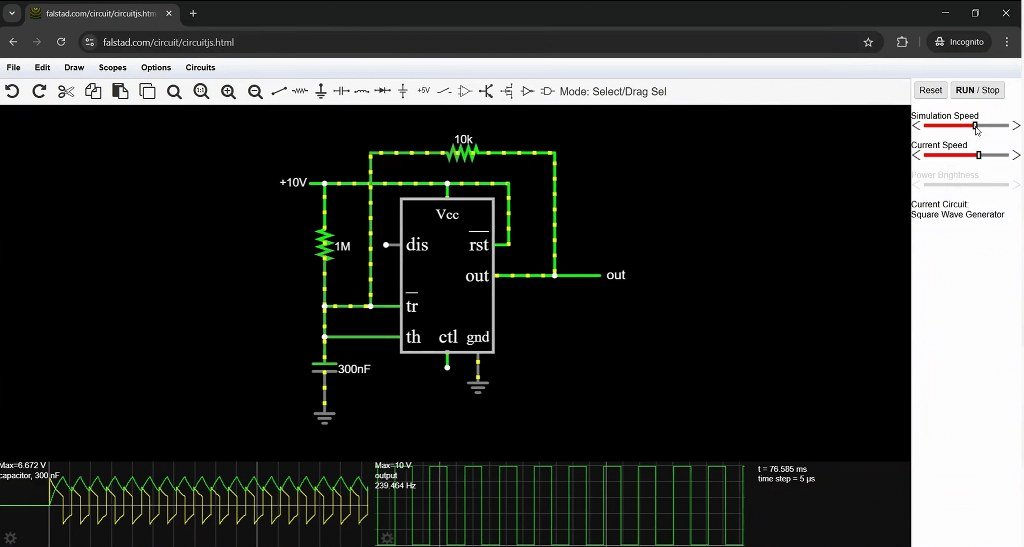
Circuit simulation is one of the crucial steps in testing a project before building a real circuit. One such great simulator is Falstad.
You can build a circuit by adding components like resistors, capacitors, inductors, diodes, transistors, switches, and voltage sources. Once you start the simulation, you can actually see the current flowing through the circuit.
For example, you can build a simple RC circuit, change the resistance or capacitance, and immediately see how the capacitor charges and discharges.
You can also click on individual components to change their values, and the simulation updates instantly. This makes it really easy to experiment with a circuit and understand what happens when you change different parameters.
And it’s not limited to simple circuits. You can build more complex circuits using transistors, op-amps, filters, transformers, logic gates, and many other components.
Another useful feature is the built-in oscilloscope. You can select points in your circuit and see the voltage waveform, which is particularly useful when working with AC circuits, oscillators, filters, and other time-varying signals.
There are also plenty of example circuits already available, so you don’t always have to start from scratch. You can open one, see how it works, and then modify it yourself.
2. Wokwi
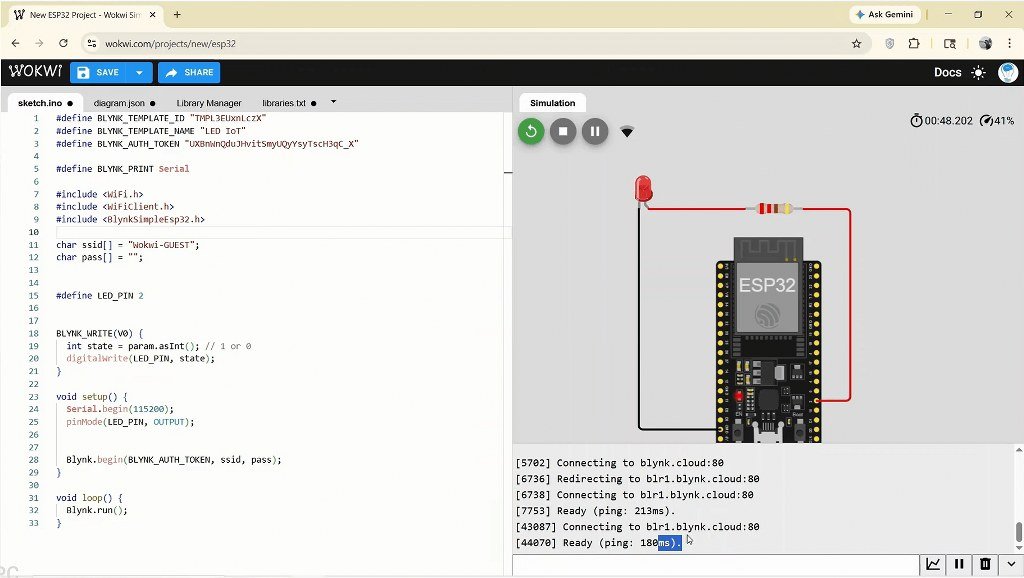
Next, we have Wokwi, an online electronics simulator for microcontroller-related projects such as ESP32, Arduino, or Raspberry Pi Pico.
To use it, just go to wokwi.com in your browser. There’s no need to install anything, and you don’t even need an account to start experimenting. Creating a free login lets you save and share your projects.
Once inside the editor, you’ll see a clean workspace divided into two sections: a virtual circuit window and a code editor.
To build a circuit, just click on a component and place it on the canvas. Then connect parts by simply clicking a pin on one and dragging a wire to the pin of another.
The component library is very large and even has some special parts like different types of displays, a microSD card, and even a custom chip.
It supports C/C++ and MicroPython code. You can write or paste sketches directly into it, and the simulator compiles them instantly. When you click Start Simulation, Wokwi uploads your code to the virtual board and runs it in real time.
If you find any issues, you can change your circuit or code quickly, which makes it great for experimenting and troubleshooting before you move to the actual hardware.
The platform also provides a logic analyzer. It records all the pin data and, when you stop the simulation, downloads a file with the recorded samples to your computer.
Projects can also be saved online and shared with a simple link.
3. Wolfram Demonstrations
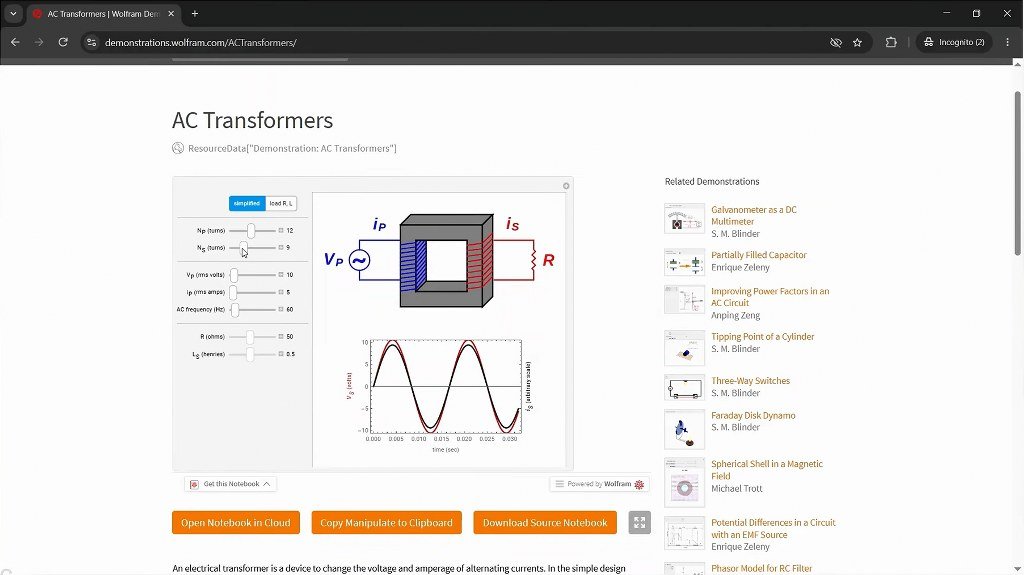
If you want to go beyond simply simulating a circuit and actually visualize the concepts, Wolfram Demonstrations is a website worth checking out.
Unlike a typical circuit simulator, this website has interactive demonstrations that focus more on the concepts and mathematics behind electronics and electrical engineering.
The useful part is that these are not just static diagrams. You can change parameters such as resistance, capacitance, frequency, or voltage and immediately see how the circuit, graph, or waveform responds.
For example, you can find demonstrations for simple circuit concepts like RC and RLC circuits, filters, and transformers, as well as more advanced topics in signal processing such as modulation schemes, bit error rates, autocorrelation and power spectral density, discrete and fractional Fourier transforms, signal encoding, and correlation of discrete signals.
And it doesn’t stop at electrical and signal-processing concepts. You can also find demonstrations related to image processing, image restoration, distance transforms, and even things like phone dialers and FM sound synthesis.
This can be especially helpful when you’re learning a concept that involves a lot of equations. Instead of just plugging numbers into a formula and getting an answer, you can change the variables and actually see how they affect the result.
4. Online Calculators
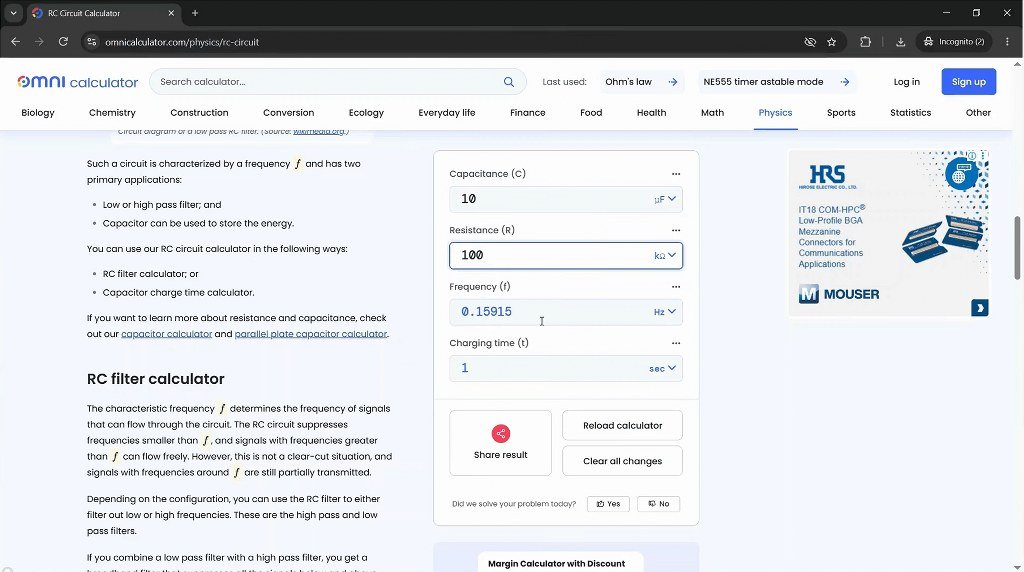
Next, we’ll look at some online calculators that can save you a lot of time and hassle as a beginner.
One website worth checking out is Omni Calculator. In its electronics and circuits section, you’ll find a large collection of calculators for everyday electronics projects.
Let’s look at a few examples.
First, we have the resistor color code calculator, which you’ll probably use quite often.
If you have a resistor and want to know its resistance value, the standard way is to read the colored bands and decode them using the resistor color code. Instead, you can simply enter the number of bands and their colors into the calculator, and it will immediately show you the resistance and tolerance.
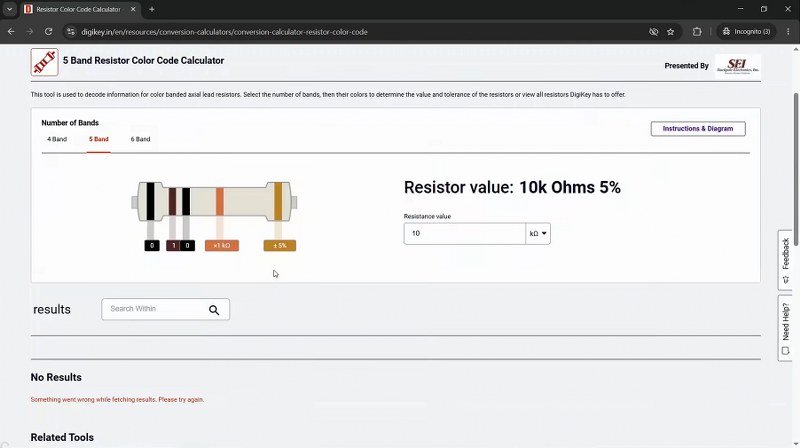
Some calculators also work in the opposite way, allowing you to enter a resistance value and showing you which color bands you need.
Next, we have the resistance calculator.
This is useful when we know the voltage and current we want in a circuit and need to determine the required resistance. For example, if we have a 12-volt supply and want a current of 20 milliamps, the calculator can determine the required resistance.
Using Ohm’s law, the result would be 600 ohms, and the power dissipation would be 240 mW.
Finally, we have a calculator for one of the most commonly used ICs in electronics: the 555 timer.
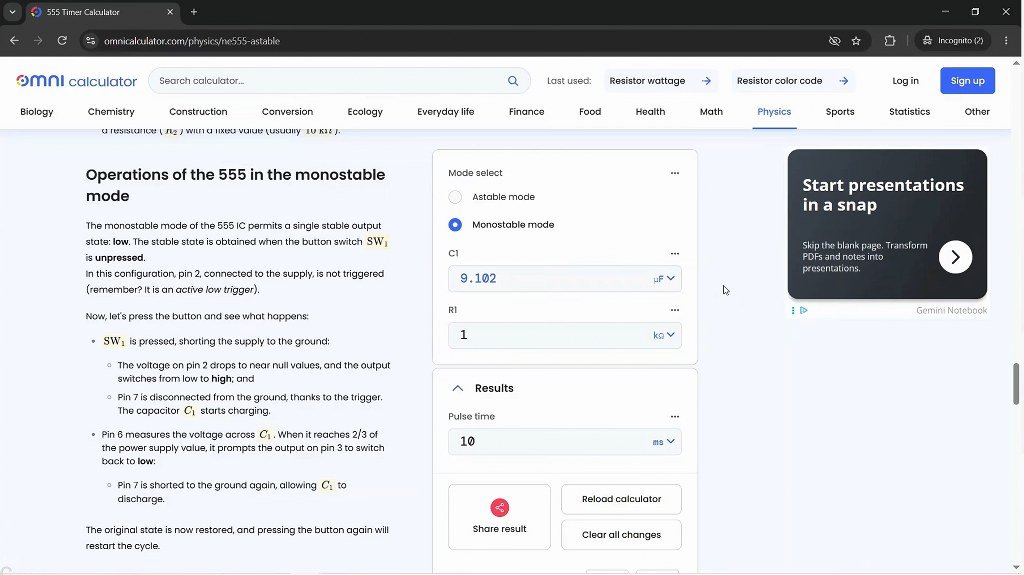
One of the more tedious parts of working with a 555 timer is calculating the pulse duration or figuring out the required component values. That’s exactly what this calculator helps us with.
5. TI WEBENCH Power Designer
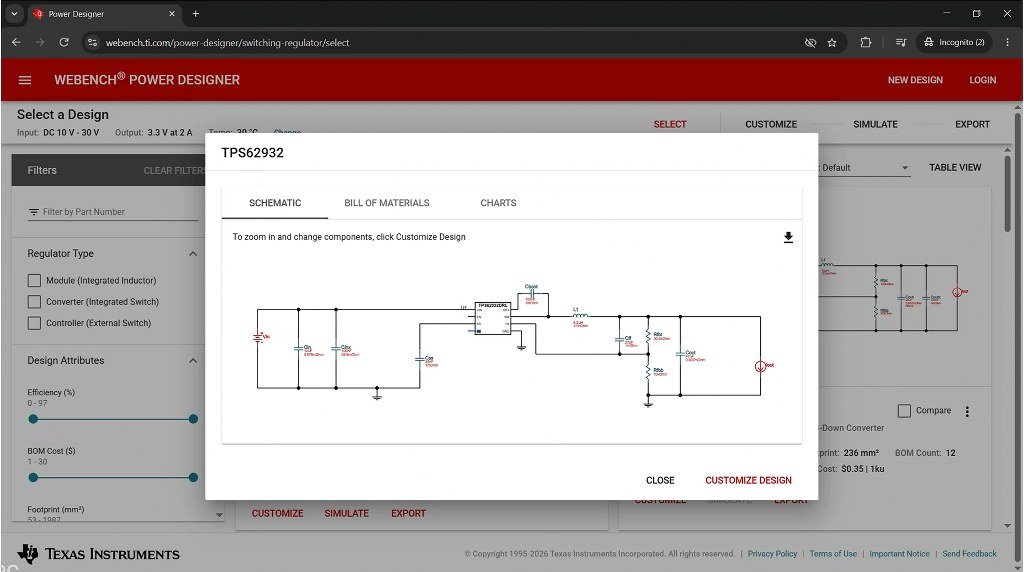
Next, we have TI WEBENCH from Texas Instruments, which makes the process of power supply design much easier.
To use it, go to the Power Designer section on their website and select the type of converter you’re working on, such as DC-to-DC or AC-to-DC.
Then, you enter the requirements for your power supply, including the input and output parameters, such as input voltage, output voltage, and output current.
You can also choose what you want to prioritize in the design — for example, balanced performance, lower cost, higher efficiency, or a smaller footprint.
And if you need more control, there are also advanced design parameters that you can adjust.
Once you’ve entered your requirements, just click View Designs, and WEBENCH will generate several designs based on your specifications.
For each design, you can see the complete schematic, recommended component values, and important specifications such as efficiency, estimated cost, switching frequency, and more.
You can then customize the design further, and for supported designs, you can even simulate the circuit and see how it behaves.
WEBENCH also provides a bill of materials, along with graphs and other information that can help you analyze the design and compare different options.
So instead of starting from a blank schematic and doing all the calculations yourself, WEBENCH gives you a practical starting point and helps you work through the design much faster.
WEBENCH also has some other useful tools, including a power stage designer, a filter designer, and a PCB thermal calculator, which you can also try.
6. Octopart
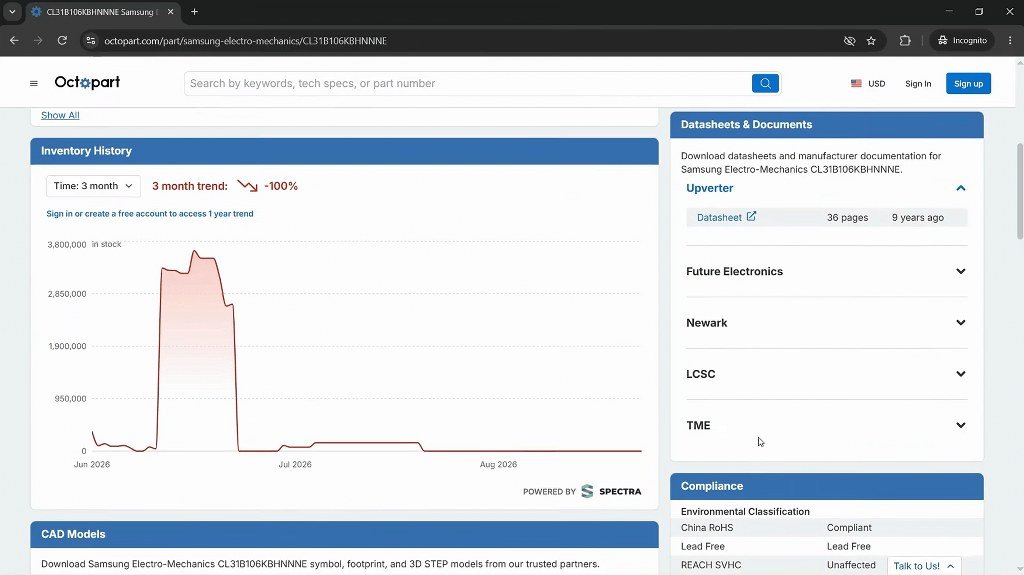
Now, once you start building actual projects, you’ll eventually need to find the right components — and this is where Octopart becomes really useful.
Octopart is basically a search engine for electronic components. You can search for a part number, a specific component, or even search based on different specifications.
For example, if you need a 10kΩ resistor, a voltage regulator, or a specific microcontroller, you can search for it and see different parts from multiple manufacturers and suppliers.
You can also compare important details like specifications, pricing, stock availability, package types, and the different distributors selling the part.
Another useful feature is parametric search. Instead of knowing the exact part number, you can filter components based on requirements such as voltage, current, resistance, package, tolerance, and other specifications.
This can be really helpful when you know what a component needs to do, but you don’t know the exact part number yet.
You can also open a component to see its technical specifications and links to the manufacturer’s information and datasheet.
7. AllDatasheet
Whether you’re a beginner or a professional, knowing how to read a datasheet is an essential skill when working with electronics.
A datasheet is basically the manufacturer’s technical document for a component. It tells you what the component does, how it should be used, and the limits you need to stay within.
For example, if you’re using a 555 timer IC, you might know that it’s commonly used for things like timers and oscillators. But the datasheet tells you the details you actually need when designing a circuit — such as its supply-voltage range, pin configuration, electrical characteristics, timing specifications, and maximum ratings.
Another thing to keep in mind is that the same type of component can be made by different manufacturers. Even with the same-looking part number, some specifications or electrical characteristics may differ.
These differences can affect how the component behaves in your circuit. That’s why checking the correct datasheet for the exact part you’re using is so important.
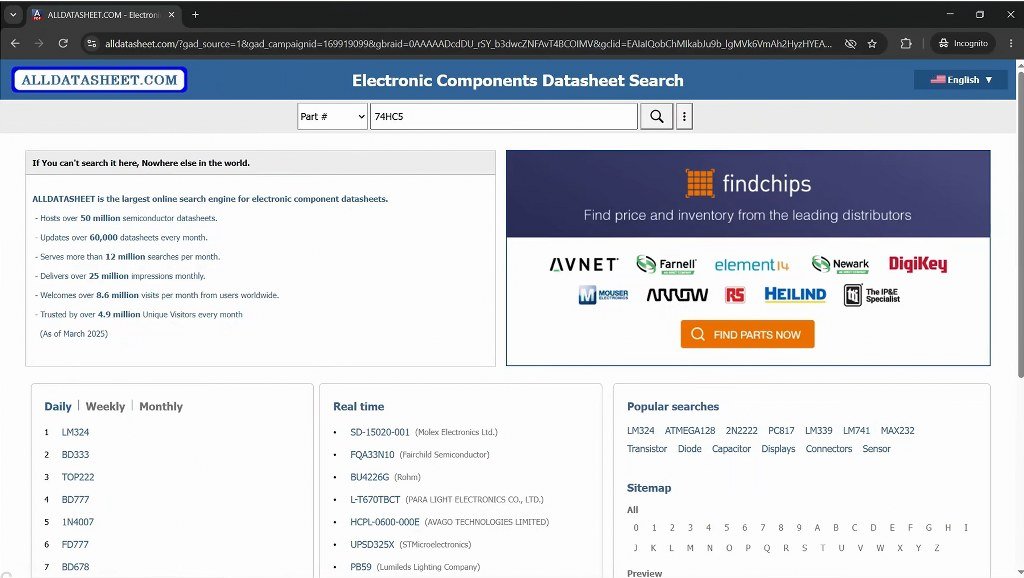
And since you’ll be looking at a lot of datasheets while working on electronics projects, it’s useful to have a go-to place for them. AllDatasheet is a good website for this.
Just enter the part number in the search box, and it will show you the available datasheet for that component.
For example, if you have an IC with a part number printed on it, you can search for that exact number and quickly access its technical information.
You can also browse components by manufacturer or search for related parts, which can be useful when you’re trying to identify a component or look for an alternative.
8. SnapMagic Search
When you start designing your own PCB, one of the first things you’ll need is the correct schematic symbol and PCB footprint for each component you’re using.
And this is where SnapMagic Search can be really useful.
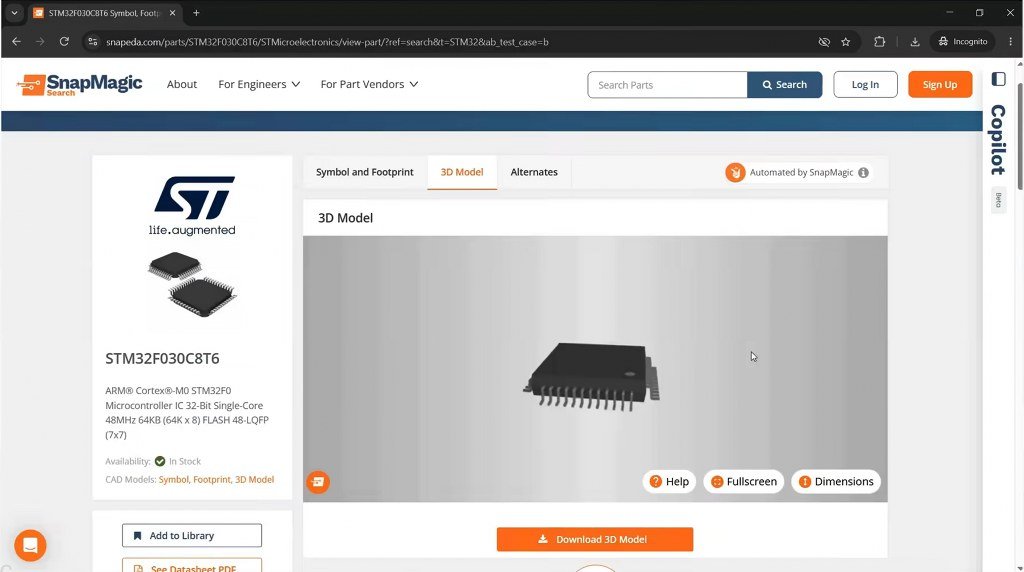
You can search for a component by its part number, and SnapMagic can provide ready-made files such as schematic symbols, PCB footprints, and even 3D models for many components.
For example, if you’re designing a PCB with a specific IC, you don’t have to manually draw its symbol or create the footprint from scratch. You can search for the exact part, download the files, and import them into your PCB design software.
It supports popular PCB design tools, so you can get the files in the format you need and use them directly in your design.
And this is more important than it might seem. A PCB footprint isn’t something you want to guess or create carelessly, because even a small mistake in things like pad spacing, dimensions, or pin mapping can make the final PCB unusable.
You should still check the footprint against the component’s datasheet before using it in a final design, but having a ready-made starting point can save you a lot of time.
9. EasyEDA
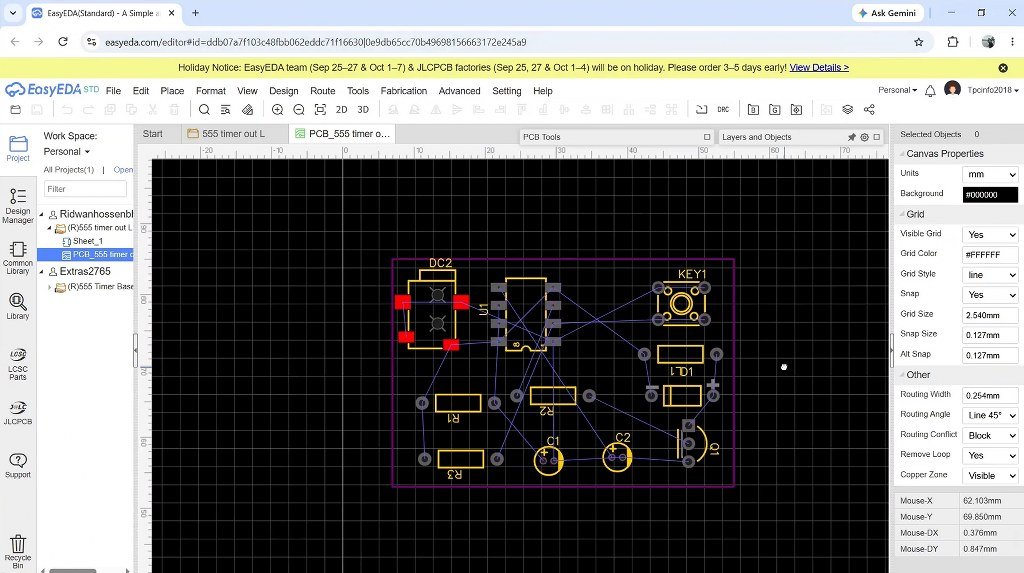
This next tool is perfect for beginners who are just getting started with PCB designing, or for anyone looking for a free, web-based PCB design software.
EasyEDA is incredibly approachable because there’s almost no setup involved. You can simply open it in your browser, log in, and start creating your design without installing a large desktop application.
The interface is also quite clean and beginner-friendly, so you don’t have to deal with a lot of complicated options when you’re just getting started.
But one of the things I really like about EasyEDA is its huge component library.
A lot of these symbols and footprints are shared by the community, so you can often find multiple footprints for the same component. This is particularly useful when you’re working with less common parts and don’t want to create the footprint yourself.
Another interesting thing is that the component library is closely connected to real-world components that you can actually buy. So while you’re designing your schematic, you can also check information such as the available part, price, and stock, instead of constantly switching between your PCB software and different websites.
This makes the whole process much more convenient, especially when you’re choosing components for a new project.
And of course, you still get all the basic tools you need to create a schematic, design the PCB layout, route your connections, and view the finished board in 3D.
So, if you’re new to PCB design and want something that you can open in a browser and start using without a steep learning curve, EasyEDA is definitely worth checking out.
10. Pinout Websites
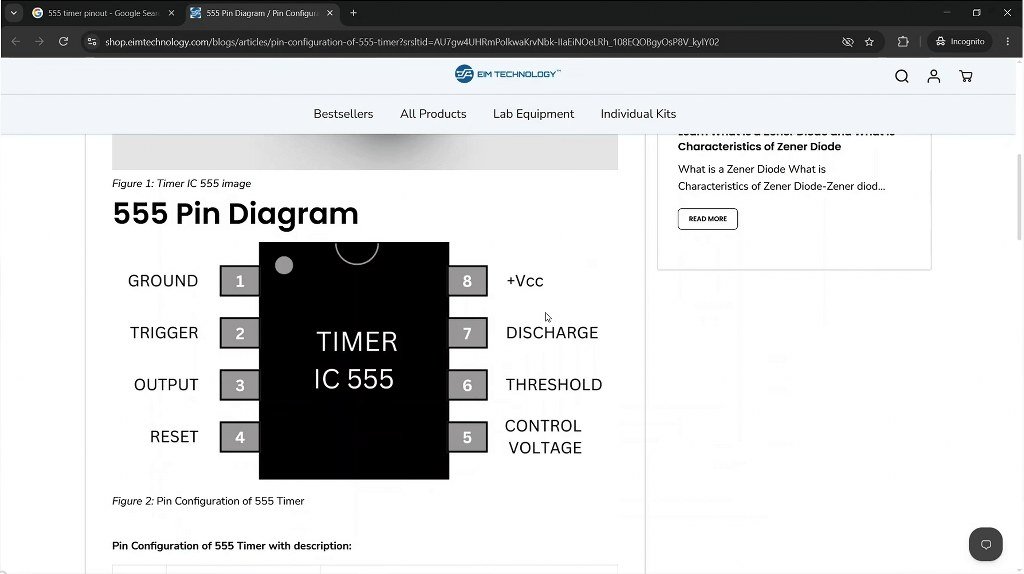
When working with electronics components, we often need to quickly figure out what each pin does.
This is where a good pin diagram can be really useful.
Of course, the datasheet is still an excellent source, but for quickly identifying pins before making connections while working on a project, a good, clearly laid-out pinout can save you a lot of time.
A pinout diagram basically shows you the function of each pin on a component or development board. It can tell you which pins are for power, ground, communication, analog input, digital input/output, and other functions.
For example, if you’re using an ESP32 board, you might want to know which pins can be used for PWM or UART. Instead of going through the entire datasheet every time, a clear pinout diagram can give you that information much faster.
The same thing applies to almost every component that you can think of.
To find the pinout, simply search for the name of the component and add “pinout” in your browser. You will get a number of pinout websites and resources.
Some examples include Random Nerd Tutorials for ESP32-related information and other specialized pinout websites for ICs and development boards.
11. Electronics Forums
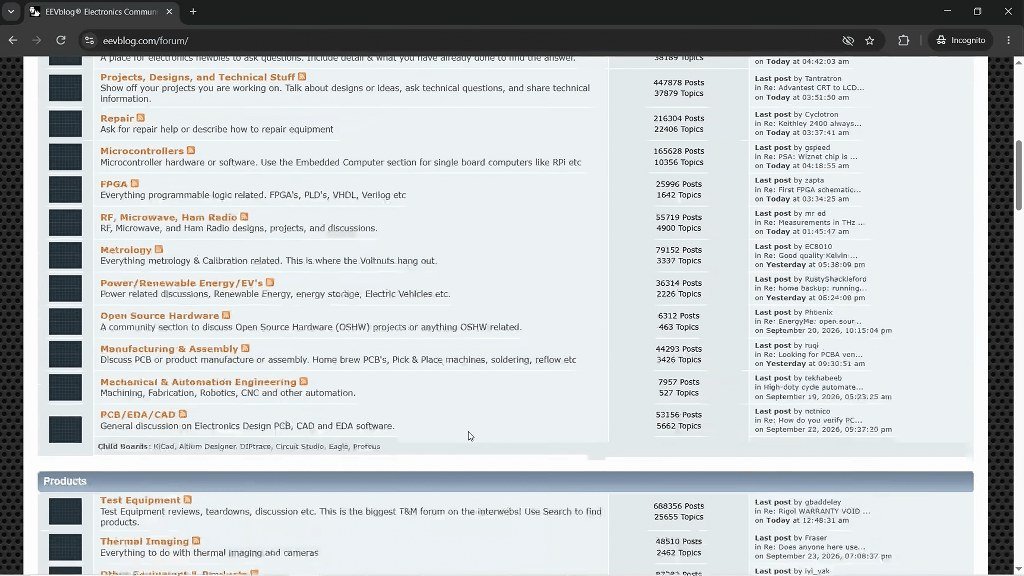
If there’s one type of website I’ve probably visited more than anything else, it’s forums.
Forums are excellent when you’re stuck on an electronics problem and just can’t figure out what’s going wrong.
Maybe your circuit isn’t working, you’re getting unexpected readings, or you’re not sure why a particular component isn’t behaving the way you expected.
You can post your circuit, explain the problem, share your code or measurements, and get help from people who have already dealt with similar problems.
But you don’t always have to ask a question yourself. Most electronics forums have years of discussions, so you can simply search for the problem you’re facing and often find a solution that someone has already posted.
You’ll find forums dedicated to almost every area of electronics that you can think of, be it Arduino, ESP32, PCB design, or general electronics.
So, whenever you’re stuck with an electronics problem, don’t forget to search through forums. There’s a good chance someone has already faced the same problem before.
You can also bookmark the forums you find useful and refer to them whenever you need help or want to learn more.
12. GitHub
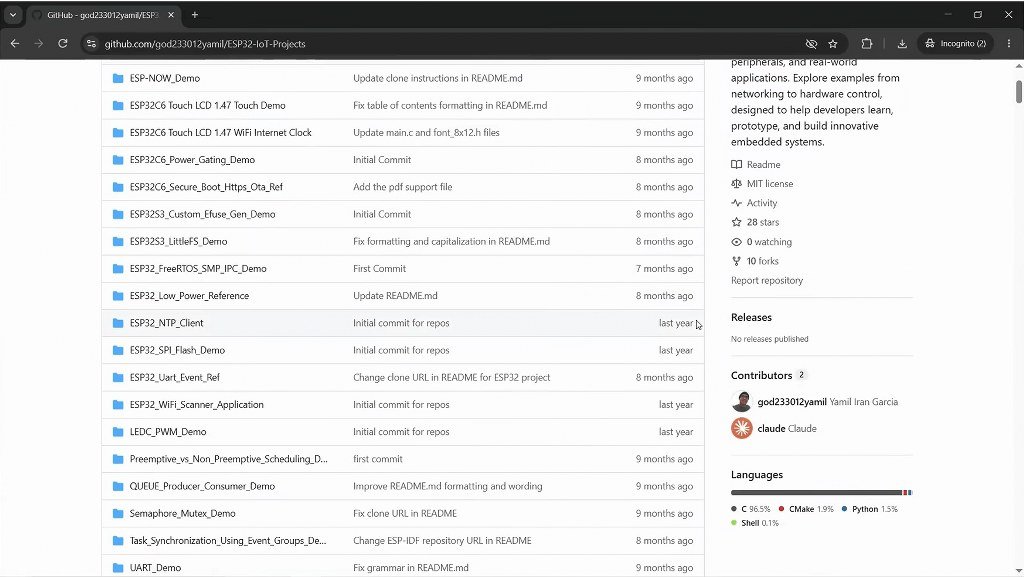
And finally, we have GitHub.
If you work with microcontrollers or embedded systems, GitHub can be an incredibly useful resource — not just for finding code, but also for finding projects and the files that go along with them.
You can search for things like projects, libraries, firmware, PCB designs, and complete hardware projects that other people have shared.
For example, if you’re working on an ESP32 project and need a library for a particular sensor, you can search GitHub and often find the library along with example code showing you how to use it.
You can also find project repositories where people have shared their source code, circuit diagrams, PCB files, documentation, and instructions all in one place.
And instead of just downloading some random piece of code, you can look at the project’s history, see when it was updated, check the issues and discussions for reported problems, and see how other people have contributed to or modified the project.
You don’t always have to copy someone else’s project either. GitHub can also be a great place to see how other people have approached a problem and use that as inspiration for your own project.
